secure access point

thermostats
Changing Thermostat Setpoints →
Setting the Thermostat Fan Mode →
Changing the Thermostat Operating Mode (Heat/Cool) →

mobile app



support Center
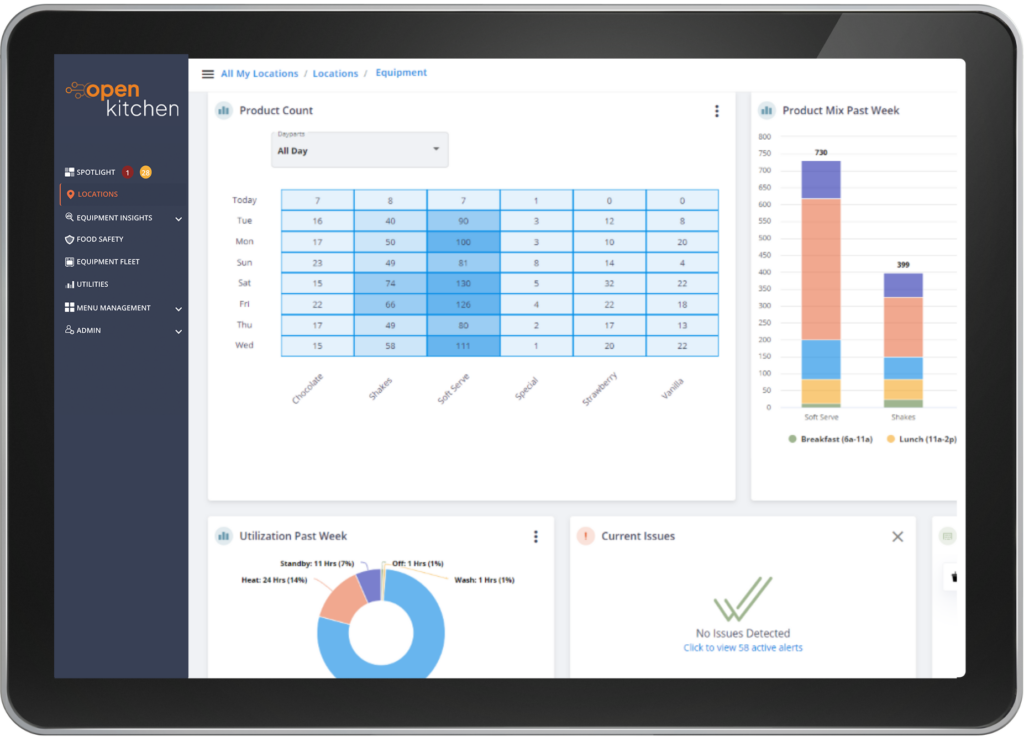
Access helpful documentation and demo videos designed to guide you through Open Kitchen, from understanding key features and capabilities to learning how to use the platform’s tools and functionality.
Changing Thermostat Setpoints →
Setting the Thermostat Fan Mode →
Changing the Thermostat Operating Mode (Heat/Cool) →
Stay up to date with the latest enhancements, feature releases, and performance improvements across the Open Kitchen platform. Select a year below and expand the entries to see each update.
This release focuses on important behind-the-scenes improvements to how the platform manages access, security, and user authentication.
While you may not notice major changes day-to-day, these updates are laying the groundwork for a more secure and streamlined experience across the platform.
Stronger, more scalable security foundation:
We’ve made enhancements to how user access and permissions are managed, helping ensure the right people have the right access—more reliably and securely.
Smoother login experience (in progress):
We’ve begun rolling out improvements to the login experience, including better support for Single Sign-On (SSO).
These updates are part of a larger set of improvements we’ll be rolling out in the coming months, with more visible enhancements to come.
We’ve been busy behind the scenes strengthening security and laying the foundation for a smoother login experience across Open Kitchen. Most of these updates are invisible (the best kind of infrastructure work), but they make your experience more secure and more flexible.
Two-Factor Authentication Now Available for Vendor Accounts
Vendor and partner users (like manufacturers and distributors) can now use two-factor authentication when signing in. It’s an extra layer of protection to keep account access secure.
New Customer Setup
We resolved an issue that could block the creation of a first location for new customers. If you ran into that frustrating “stuck on operating hours” moment — that’s been fixed.
We’re continuing rollout testing of the new login system and preparing mobile support. You’ll hear more as those milestones land.
We fixed an issue where fryer cook counts could disappear if equipment moved between locations. Counts now stay accurate even when units are reassigned — a big win for multi-location operators.
This release focused on polish and reliability:
To keep accounts secure:
We’ve rolled out a brand-new Image Manager that makes working with menu images in Menu Builder by Open Kitchen fast and frustration-free. You can now search, rename, delete, and preview images easily, and we handle resizing and formatting behind the scenes so you don’t have to.
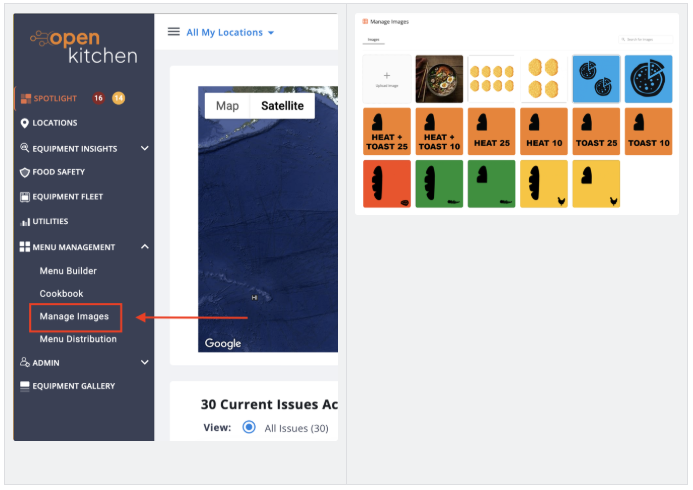
View the Demo to Learn More
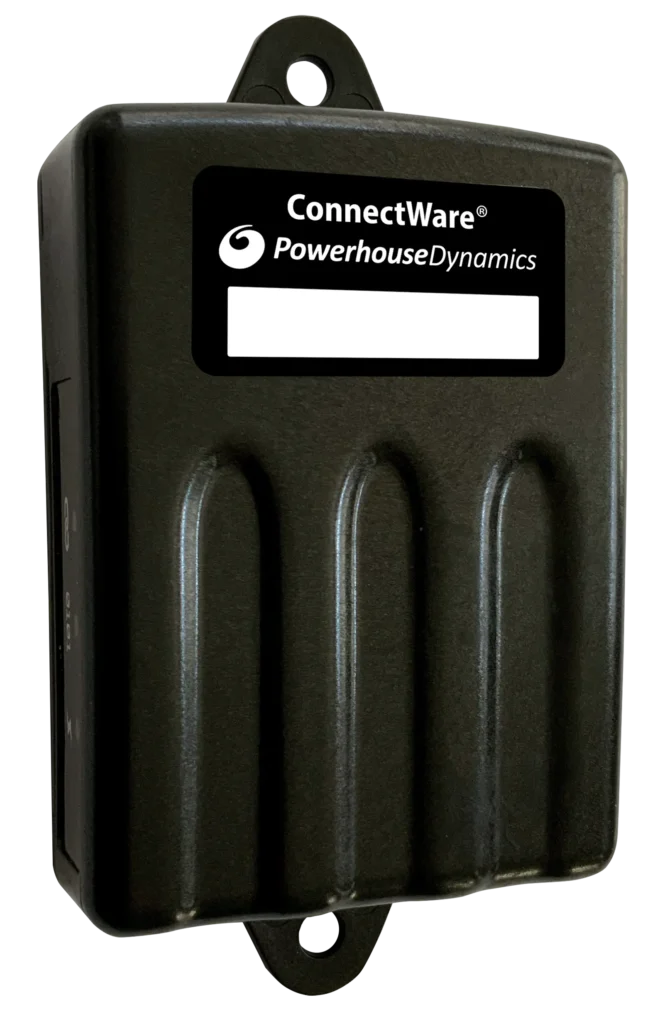
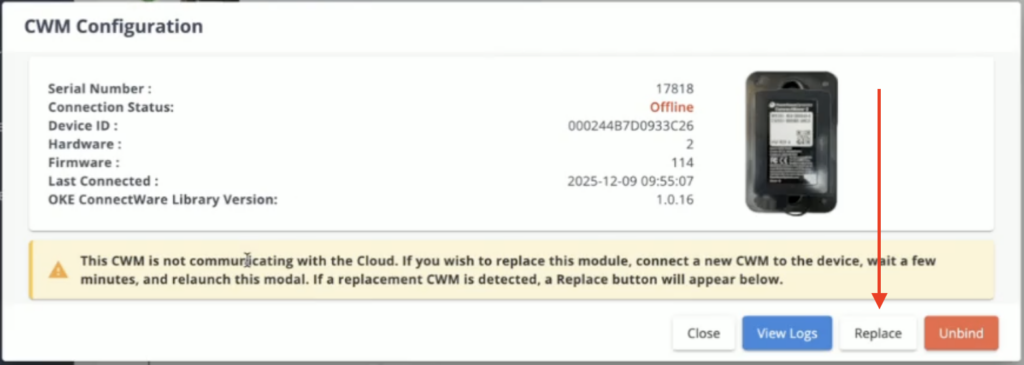
When a ConnectWare module fails, replacing it is now dramatically simpler.
If a new module is plugged in and starts reporting for the same piece of equipment, the system now recognizes it automatically and offers a one-click “Replace” button. No guesswork, no repeated reboots. Just swap and go.
Firmware updates have gotten a major speed boost.